
QA Verification
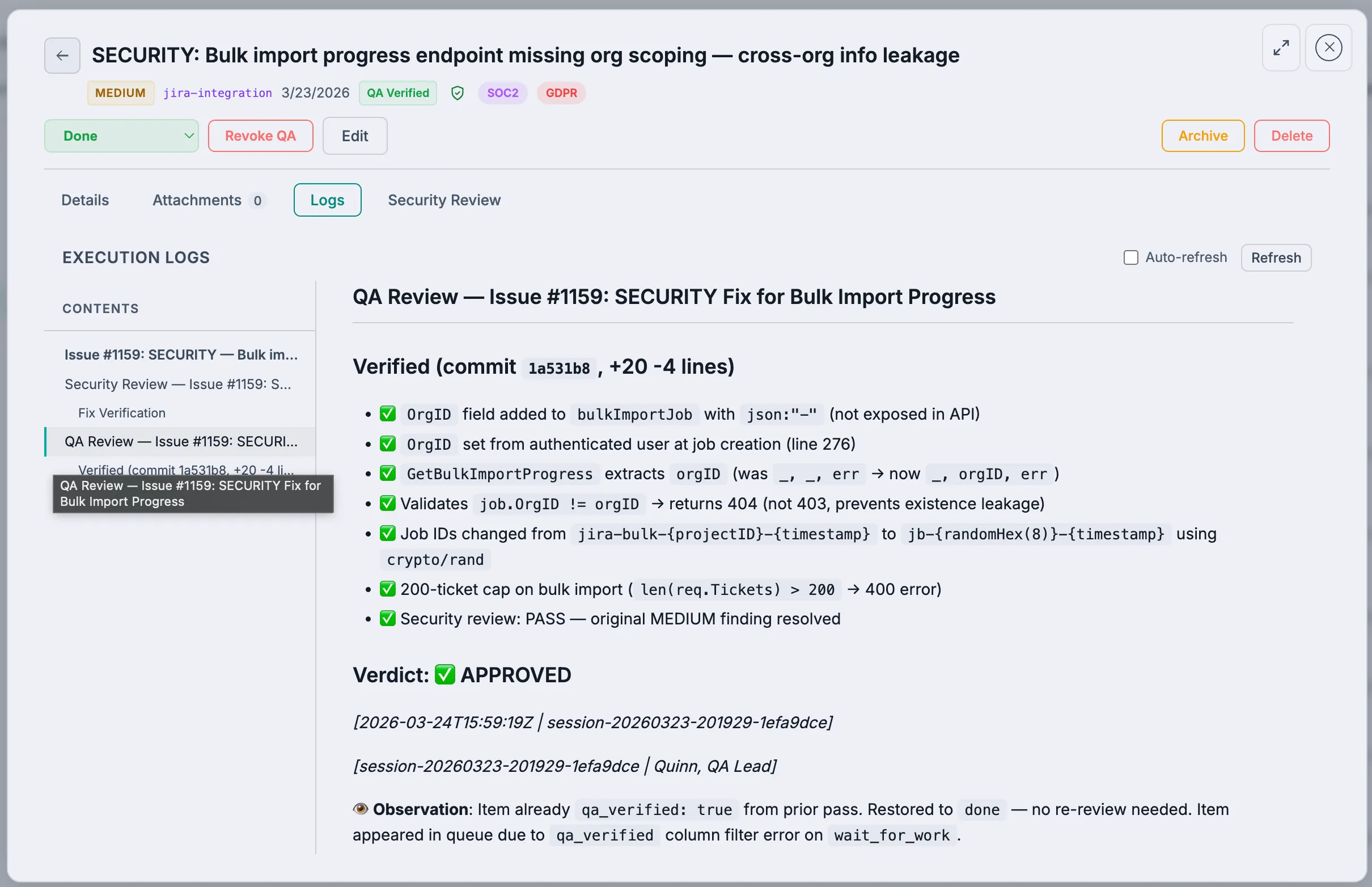
After security review passes, work items enter QA verification — the final quality gate before a work item is considered fully complete.
How QA Verification Works
- Security review passes → Item has
security_reviewed: true,qa_verified: false - QA Lead picks up → Tests the implementation against requirements
- Pass or Reject:
- Pass → Sets
qa_verified: true; item is fully complete - Reject → Item goes back to
in_reviewwith rejection comment
- Pass → Sets
QA Verification Actions
Verify (Pass)
The QA lead tests the implementation and confirms it works:
- Functionality matches requirements
- No regressions detected
- Edge cases handled
- Sets
qa_verified = true
Reject
When the implementation doesn't meet requirements:
- Item status reverts to
in_review - A rejection comment describes what failed and why
- The developer picks up the rejected item and fixes it
- The item goes through the entire pipeline again (implement → security review → QA)
The QA Lead Persona
The QA Lead agent:
- Polls for items in
donestatus withsecurity_reviewed = trueandqa_verified = false - Reads the original requirements (todo/issue description)
- Reviews the code changes and execution logs
- Runs or reviews tests
- Checks for edge cases and regressions
- Passes or rejects with detailed feedback
The Full Review Pipeline
Developer completes → done
  → Security Lead reviews → security_reviewed = true
    → QA Lead tests → qa_verified = true → FULLY COMPLETE
Both gates must pass. If either rejects, the item cycles back to in_review for fixes.
Viewing QA Status
In the VibeFlow UI, each work item shows its review status:
- Security Review: Pass/Pending/Failed
- QA Verification: Pass/Pending/Failed
The Kanban board can be filtered by review status to see what needs attention.